Linux Bash 环境变量配置
🔹 查看环境变量
bash
printenv🔹 查看特定环境变量(如 PATH)
echo $PATH🔹 查看配置文件 (如~/.bashrc)
bash
cat ~/.bashrc🔹 配置文件分层
👉 用户:
~/.bashrc(日常用)~/.profile/~/.bash_profile
👉 系统:
/etc/environment(纯变量)/etc/profile/etc/profile.d/*.sh
🔹 cat替代品工具推荐
bat 是 Rust 写的 cat 增强版,支持语法高亮等特性。
- 安装(Debian/Ubuntu):
apt install bat - 使用:
batcat 文件名
🔹 grep替代品工具推荐
ripgrep 提供 rg 命令,适合快速全文搜索。
- 安装(Debian/Ubuntu):
apt install ripgrep - 使用:
rg 关键词
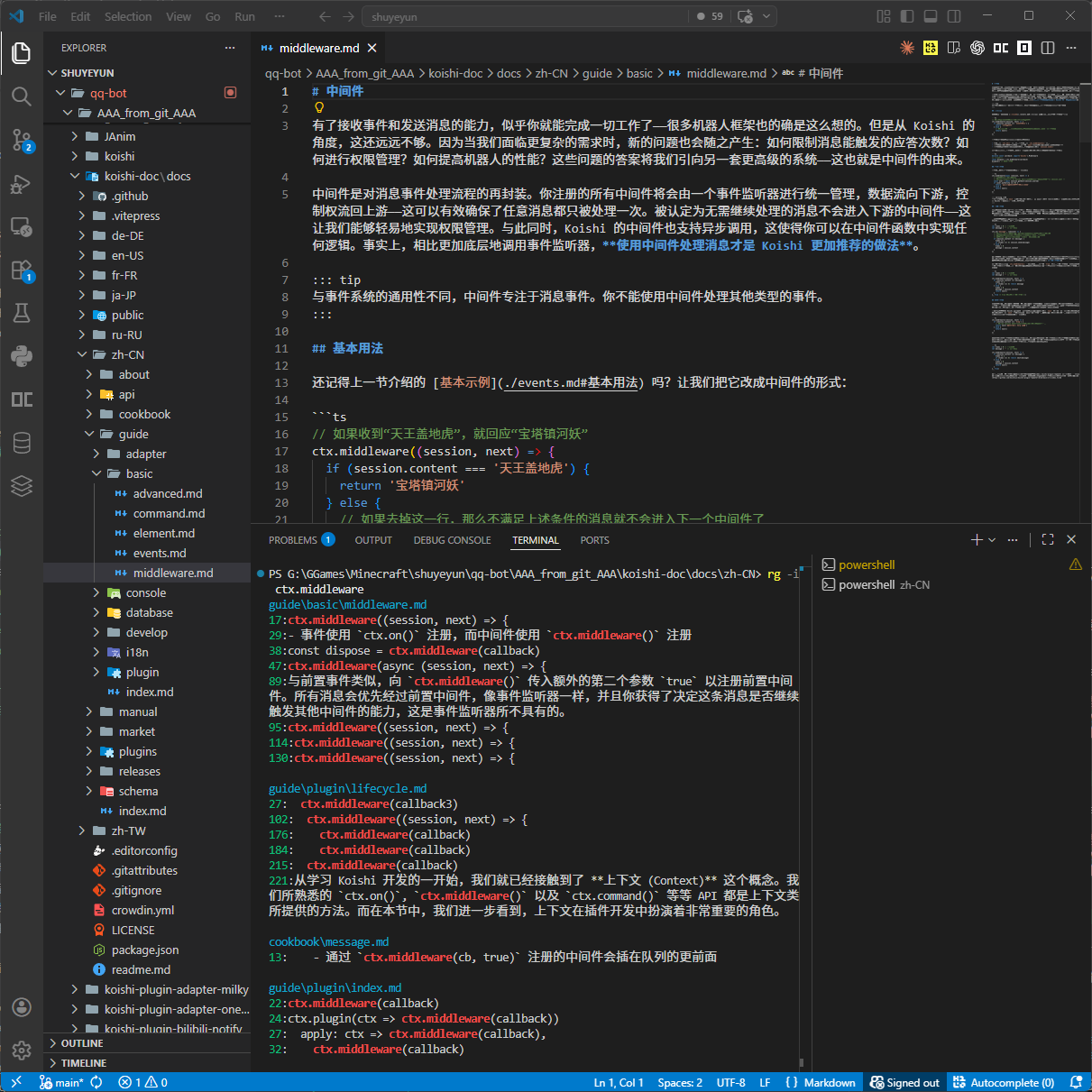
VS Code Terminal 小技巧
在 VS Code 的 Terminal 里使用 rg 搜索字符串时,输出里的蓝色文件名可以用 Ctrl + 左键 点击,直接跳转到 VS Code 里的对应文件。